Stop guessing from a paint chip. Try any of our 25 real colors on our roofing and siding — or upload a photo of your own home and see the color right on your house. Then quote it in that exact shade.
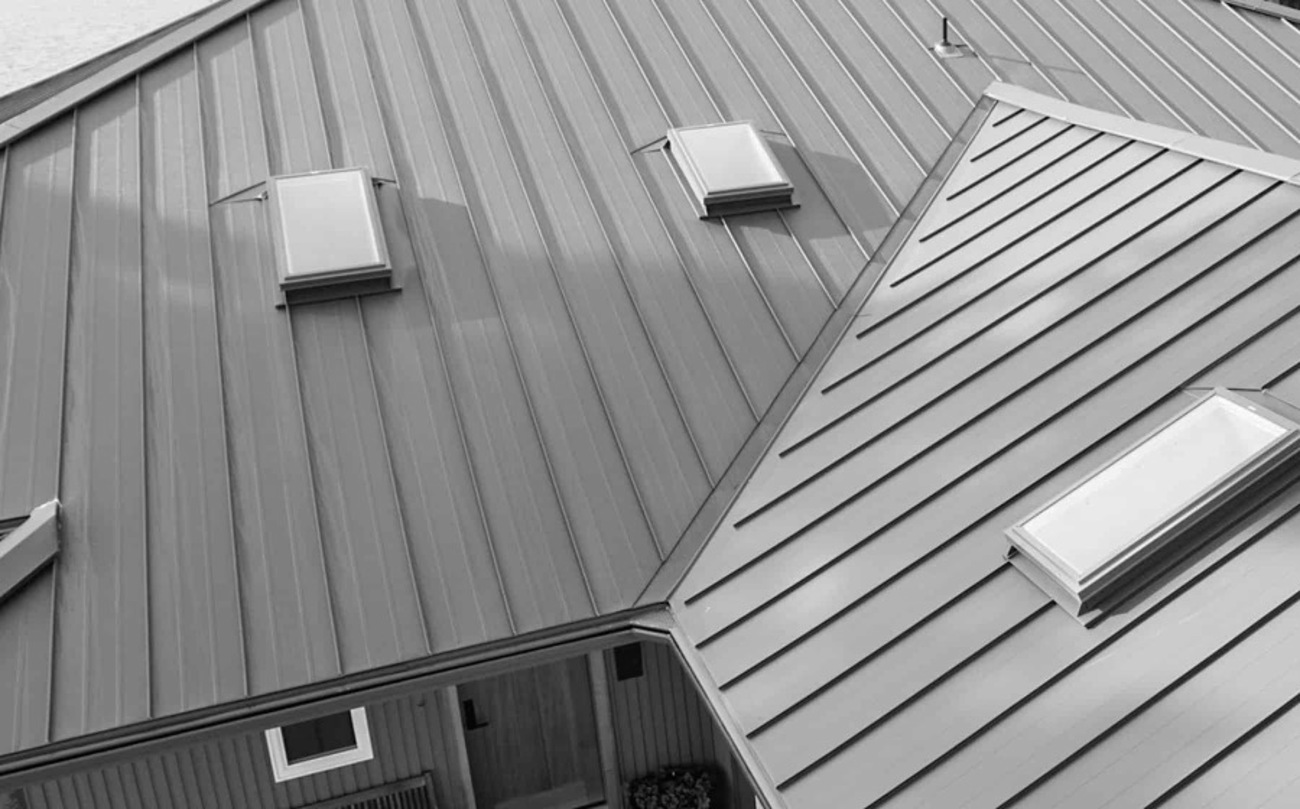
Choose a clear, straight-on daytime photo. Then mark the roof or siding and try any of our 25 colors right on your own house.
JPG or PNG · stays on your devicePreviews are a close on-screen approximation — actual metal can vary with finish, gauge, and light. Always confirm from a free physical sample before you order. Crinkle finishes are textured; the swatch shows base color only.
Tap-Fill is the easy way: tap a roof or siding panel and it fills the whole section in one shot. Slide Tap-Fill reach up if it only grabs part of the roof. Brush is there for fine touch-ups.
Roof Plane: tap the four corners of the main roof face in order — top-left, top-right, bottom-right, bottom-left. Drag any corner to fine-tune. This tells the visualizer which way the panel seams should run.
2 · Panel StyleThe visualizer gets you close — but metal is a material, and material wants to be seen in real light. We'll send a free color chip so you can set it against your siding, your trim, and your sky before you commit a single panel.
Send us the color you landed on and your project details — we'll quote your roof or siding in that exact shade and drop a free sample in the mail.